Faculty Tracker App
A beautiful and functional faculty tracking system for Sathyabama University with location-based attendance, real-time teacher tracking, and student request management.
Flask, PG SQL, JWT, HTML, CSS3, Leaflet JS(Webapp) , Flutter(Mobile app), Deployment (Guicorn)
Faculty Tracker App
A beautiful and functional faculty tracking system for Sathyabama University with location-based attendance, real-time teacher tracking, and student request management.
Timeline :
October 2025
Techstack :
Backend: Flask (Python) Database: PostgreSQL Authentication: JWT tokens Frontend(webapp): HTML5, CSS3, JavaScript with Tailwind CSS Frontend(Mobile app) : Flutter Maps: Leaflet.js with OpenStreetMap Deployment: Gunicorn
Download the app! - https://drive.google.com/drive/folders/1sEuhBfX26sMvU2r2JyMTD_aq8Ln6aHZZ?usp=sharing
or visit the link (Web version)
https://sist-faculty-tracker.onrender.com/
Use the test credentials mentioned in the texts below!
*Faculty Tracker App
A beautiful and functional faculty tracking system built by me for Sathyabama University with location-based attendance, real-time teacher tracking, and student request management.
Features
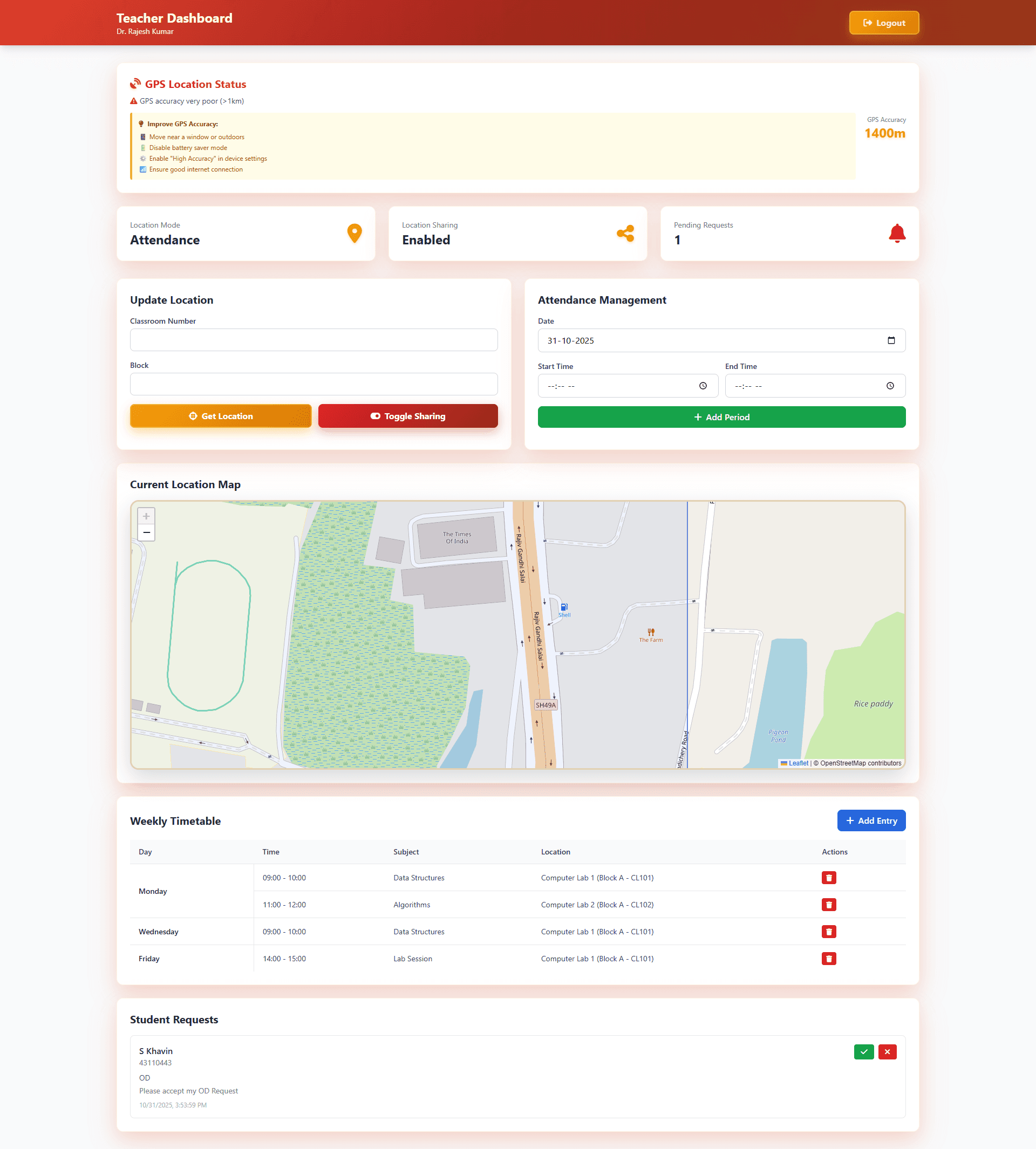
For Teachers
Location Tracking: Two modes
Attendance-based location with classroom and block info
Real-time location sharing (can be toggled)
Interactive Maps: View current location on Leaflet.js maps
Attendance Management: Add, edit, and manage class periods
Request Management: Accept/reject OD requests and hall ticket signing
Geofencing: Restricted to Sathyabama University campus
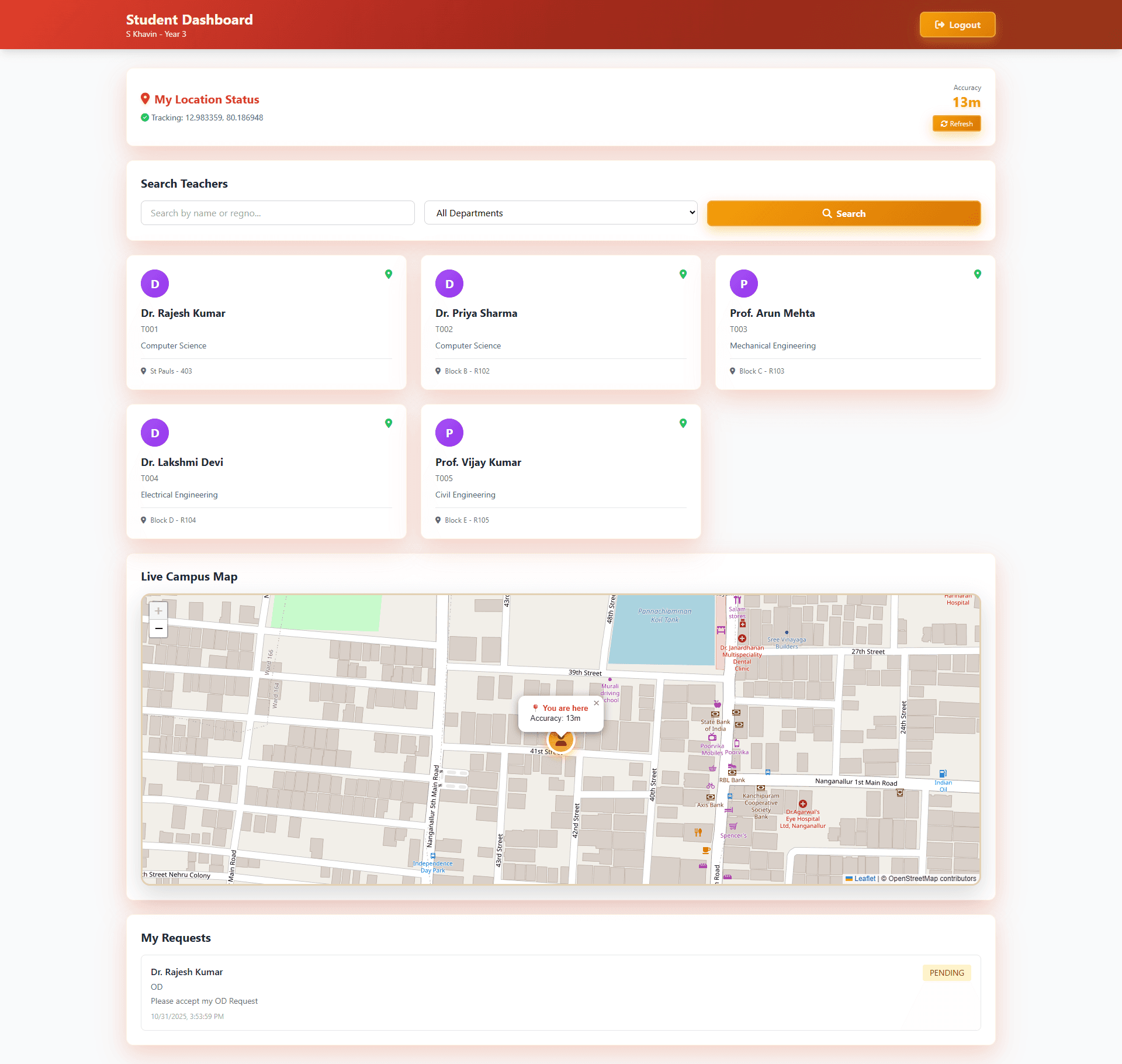
For Students
Teacher Search: Search by name, department, or registration number
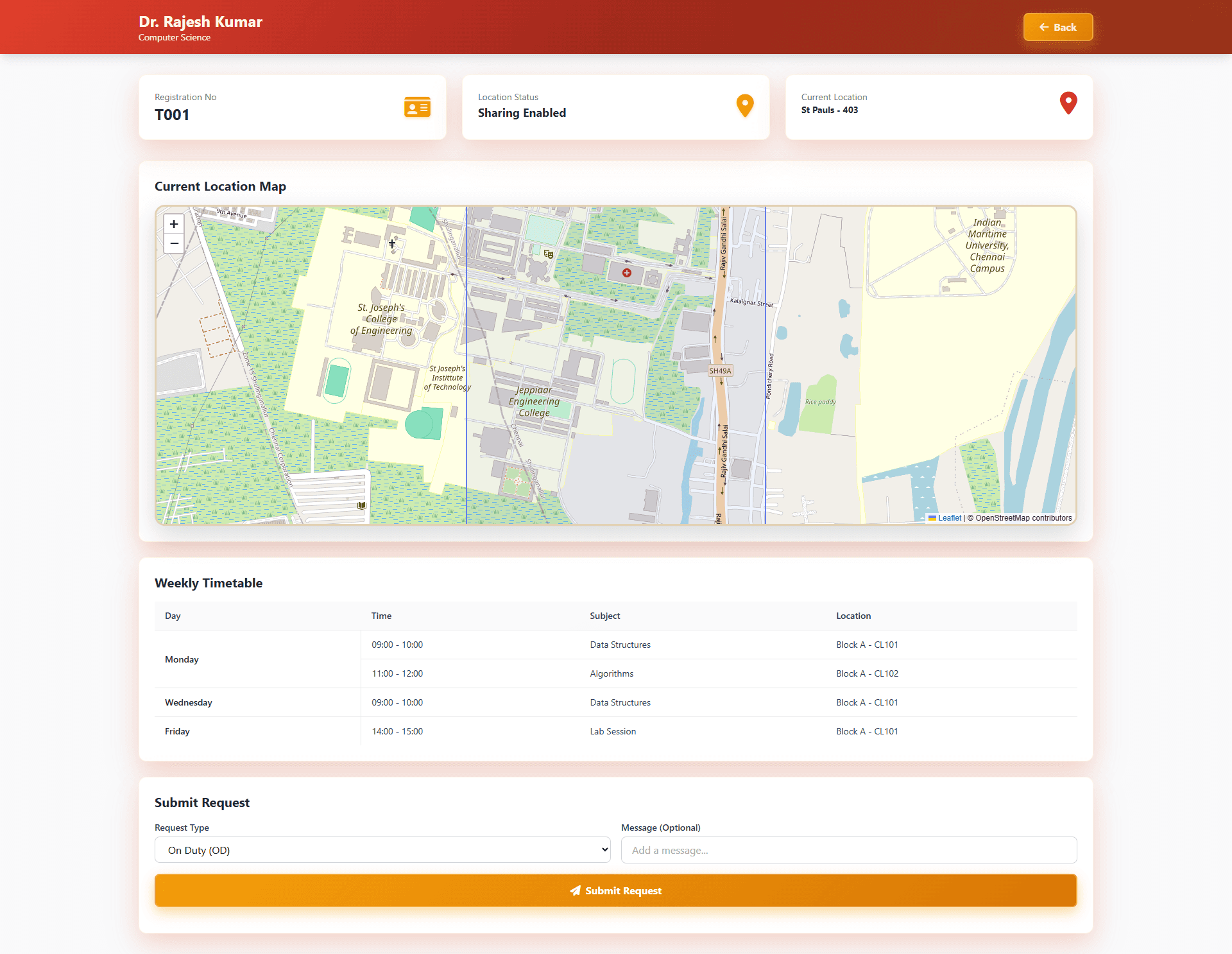
Live Location: View teacher locations on interactive maps
Request Submission: Submit OD and hall ticket signing requests
Request Tracking: Monitor request status (pending/approved/rejected)
Department Filtering: Filter teachers by department
For Admins
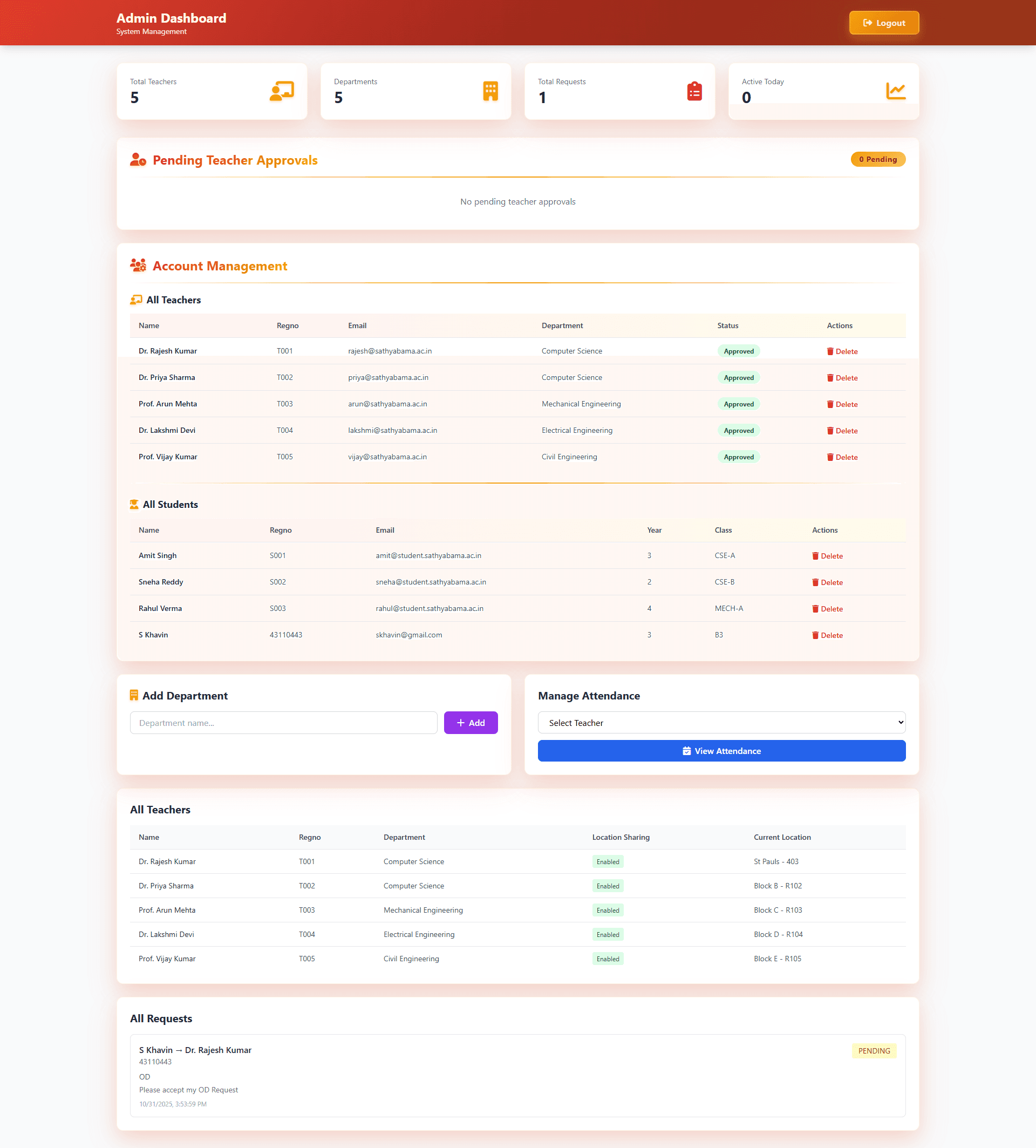
System Management: Manage all teachers and students
Department Management: Add/remove departments
Attendance Control: Edit attendance for any teacher
Request Oversight: View all requests across the system
Analytics Dashboard: View system statistics
Tech Stack
Backend: Flask (Python)
Database: PostgreSQL
Authentication: JWT tokens
Frontend: HTML5, CSS3, JavaScript with Tailwind CSS
Maps: Leaflet.js with OpenStreetMap
Deployment: Render-ready with Gunicorn
Mobile app With fingerprint, password, face id authentication
Project Structure
Installation
Local Setup
Clone the repository
Create virtual environment
Install dependencies
Set environment variables
Edit .env and set your SECRET_KEY
Initialize database
Run the application
The app will be available at http://localhost:5000
Test Credentials
After running seed_data.py, use these credentials:
Admin
Email:
admin@sathyabama.ac.inPassword:
admin123
Teacher
Email:
rajesh@sathyabama.ac.inPassword:
teacher123
Student
Email:
amit@student.sathyabama.ac.inPassword:
student123
API Integration
Complete REST API documentation is available in API_DOCUMENTATION.md
Quick Start for Flutter Integration
Key API Endpoints
Authentication
POST /api/auth/register- Register new userPOST /api/auth/login- Login and get JWT token
Teachers
GET /api/teachers- Get all teachers (with search & filters)GET /api/teachers/{id}- Get teacher details
Location
POST /api/location/update- Update teacher locationPOST /api/location/toggle-sharing- Toggle location sharing
Attendance
GET /api/attendance- Get attendance recordsPOST /api/attendance- Add attendance periodPUT /api/attendance/{id}- Update attendanceDELETE /api/attendance/{id}- Delete attendance
Requests
GET /api/requests- Get requestsPOST /api/requests- Submit new requestPUT /api/requests/{id}/status- Update request status
Geofencing
The app uses geofencing to restrict location updates to Sathyabama University campus:
Location updates outside these bounds will be rejected.
Database Schema
Users
id,email,password_hash,role,created_at
Teachers
id,user_id,name,regno,department_id,location_sharing_enabled
Students
id,user_id,name,regno,year,class_name,school
Departments
id,name
Locations
id,teacher_id,classroom_no,block,latitude,longitude,timestamp
Attendance
id,teacher_id,location_id,date,period_start,period_end
Requests
id,student_id,teacher_id,request_type,status,message,created_at,updated_at
Security Features
JWT-based authentication
Password hashing with Werkzeug
Role-based access control (Admin, Teacher, Student)
Geofencing validation
CORS enabled for Flutter integration
Browser Compatibility
Chrome/Edge: Full support
Firefox: Full support
Safari: Full support
Mobile browsers: Full support with geolocation
Future Enhancements
Push notifications for request updates
Attendance analytics and reports
Export attendance data to CSV
Teacher availability calendar
Student feedback system
Repository Link (private repo)
https://github.com/skhavindev/sist-faculty-tracker/tree/master
Web app Screenshots:
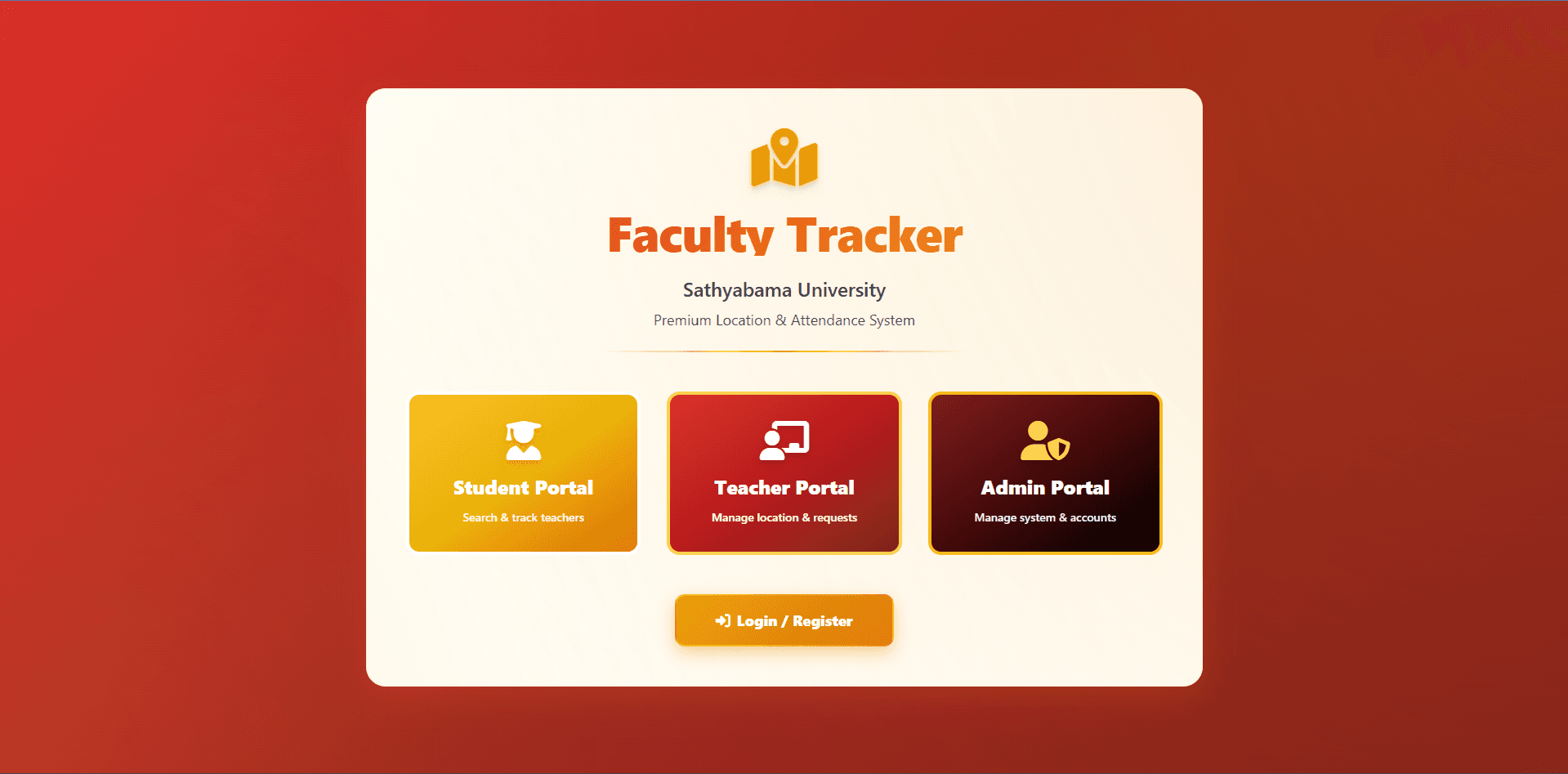
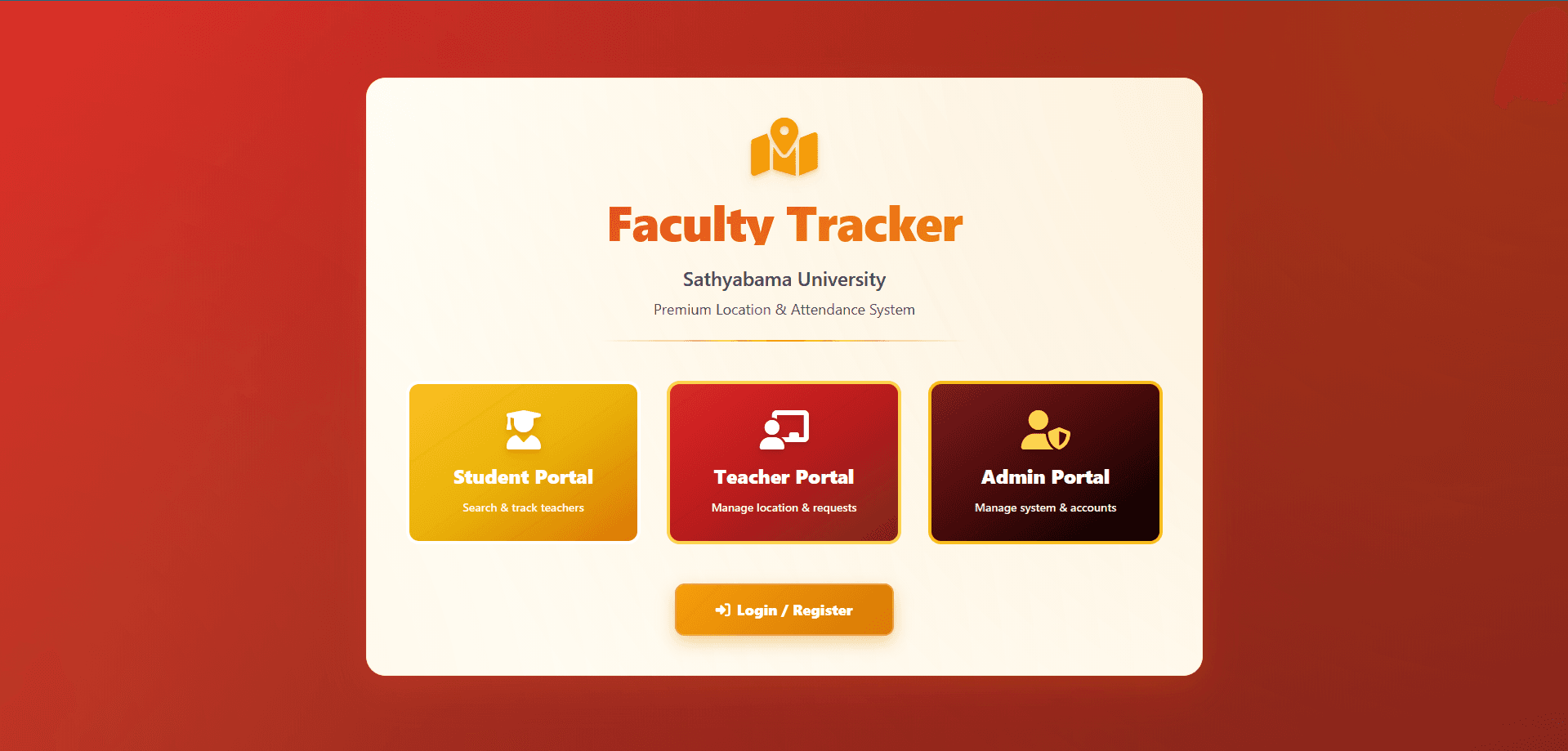
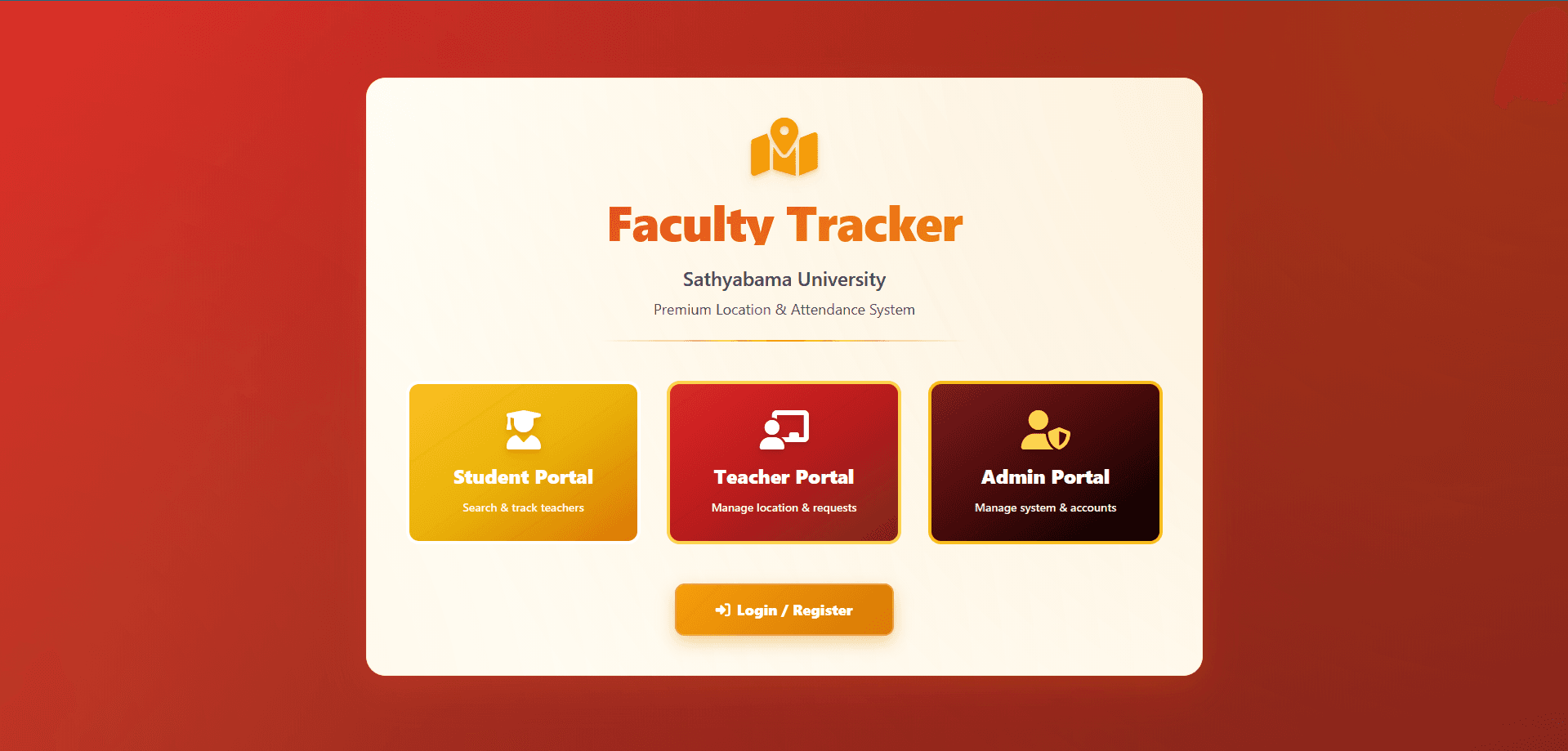
Home Page:
Teacher Dashboard:
Student Dashboard:
Teacher Page - Student
Admin Page: